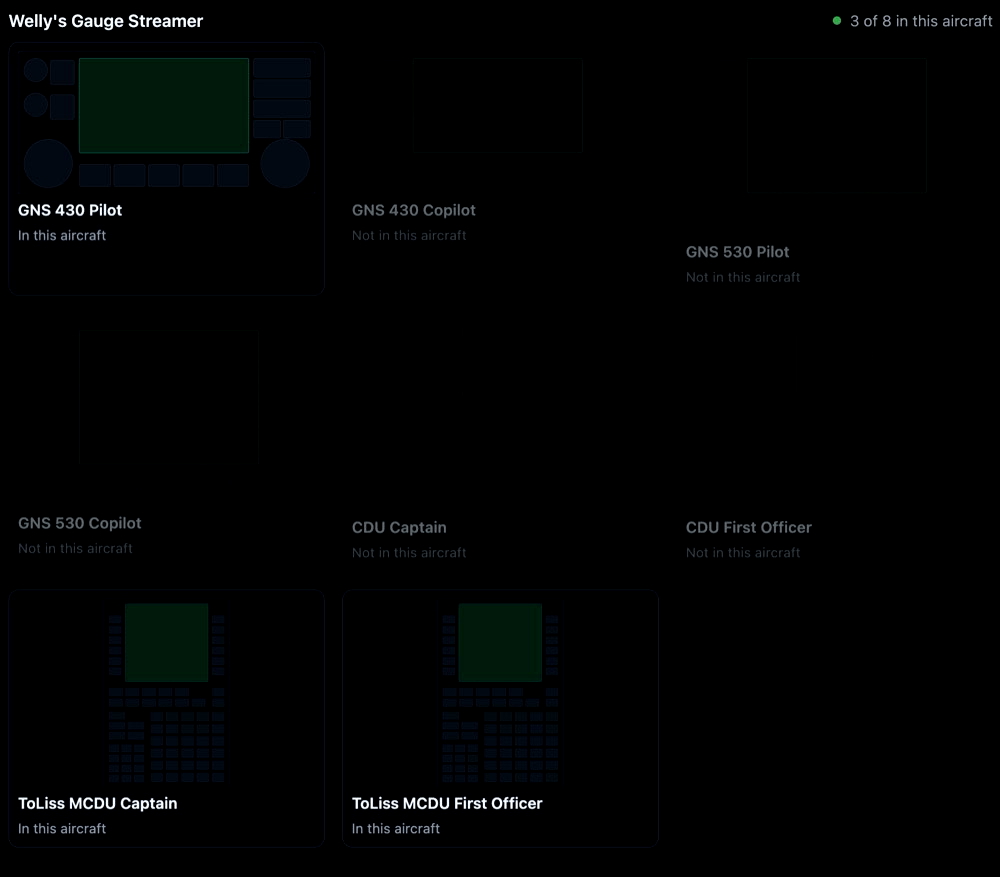
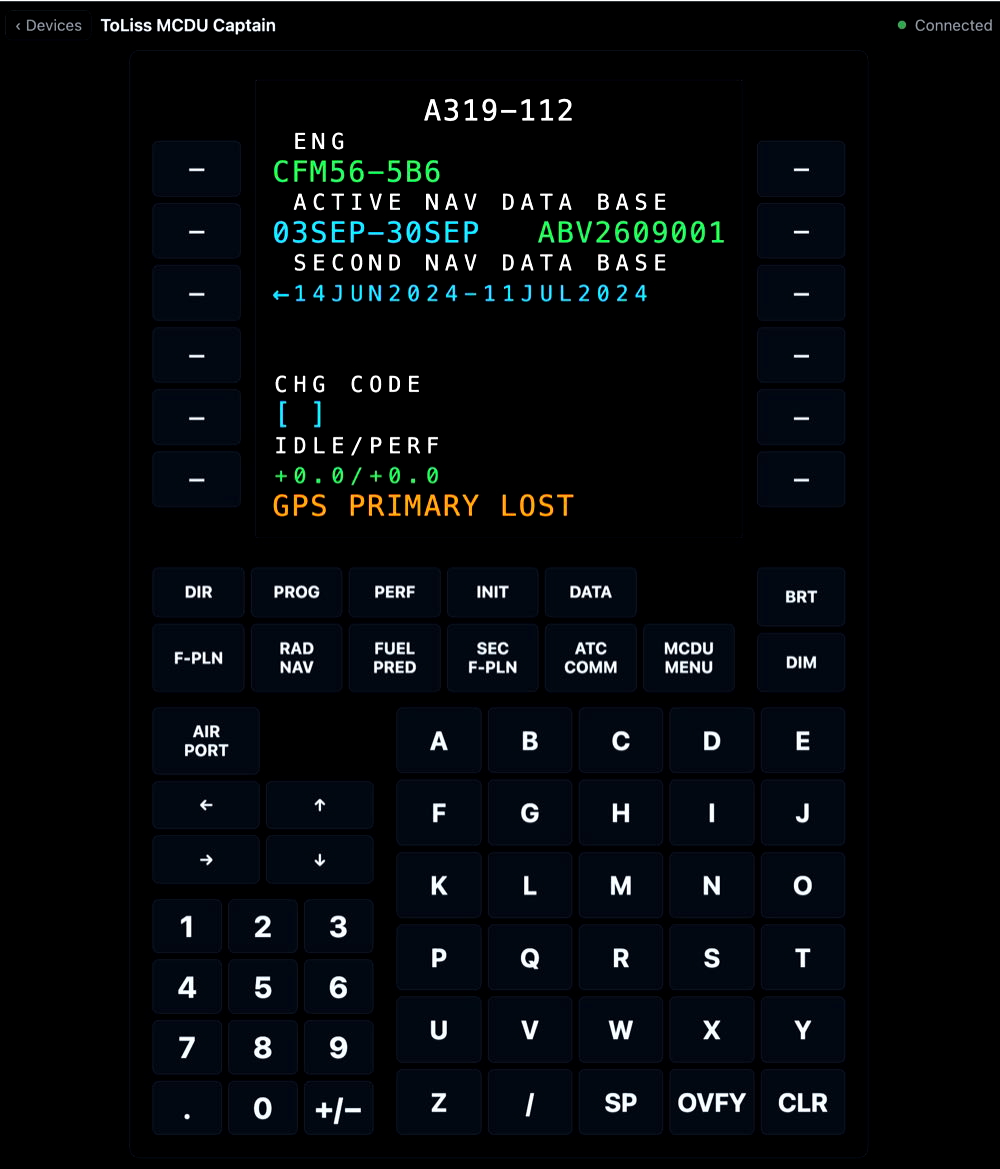
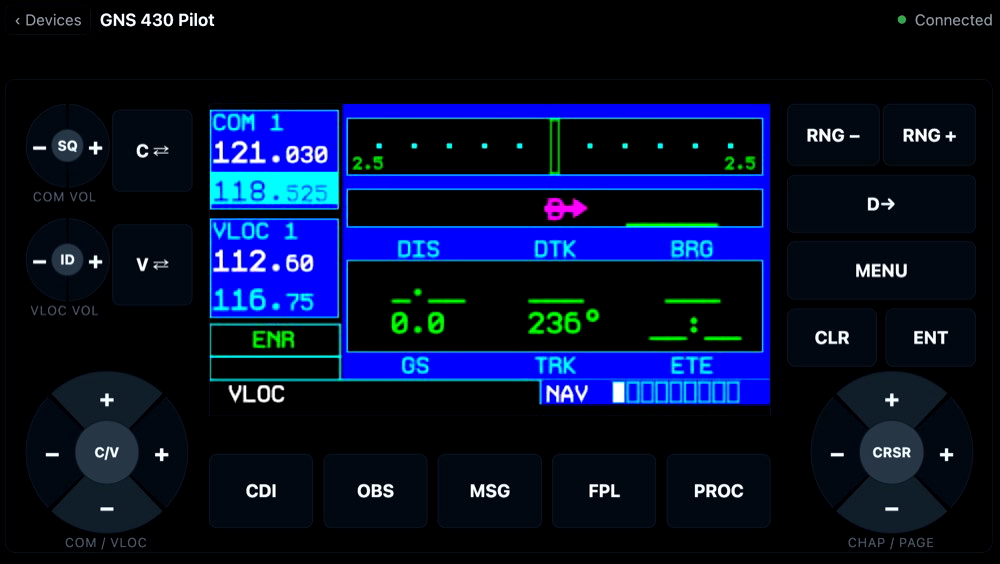
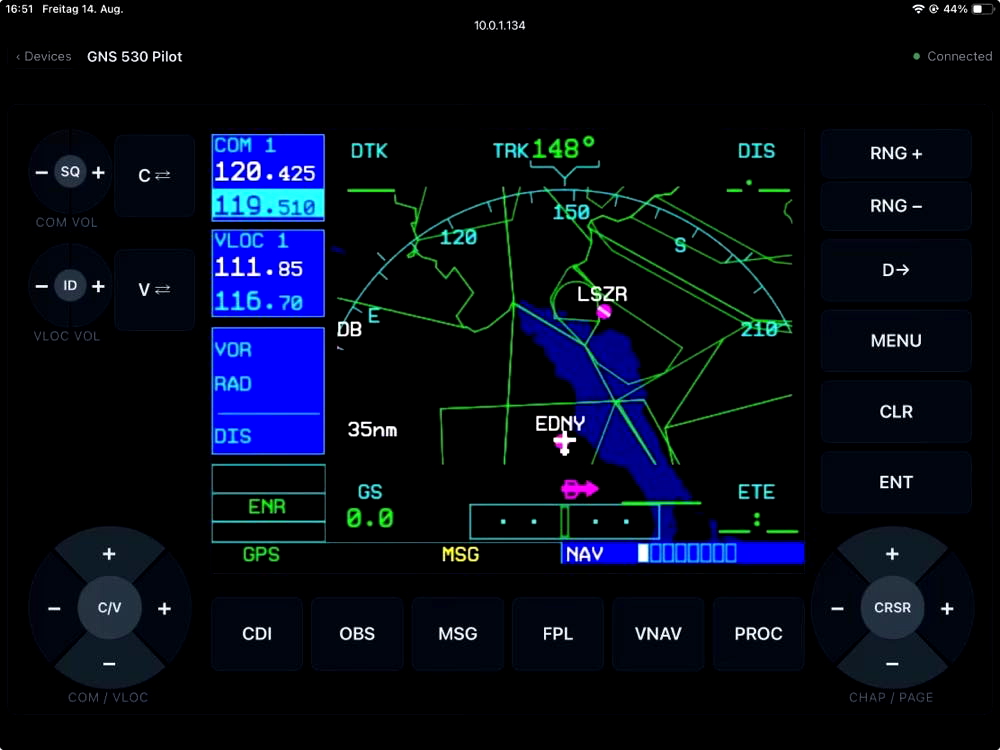
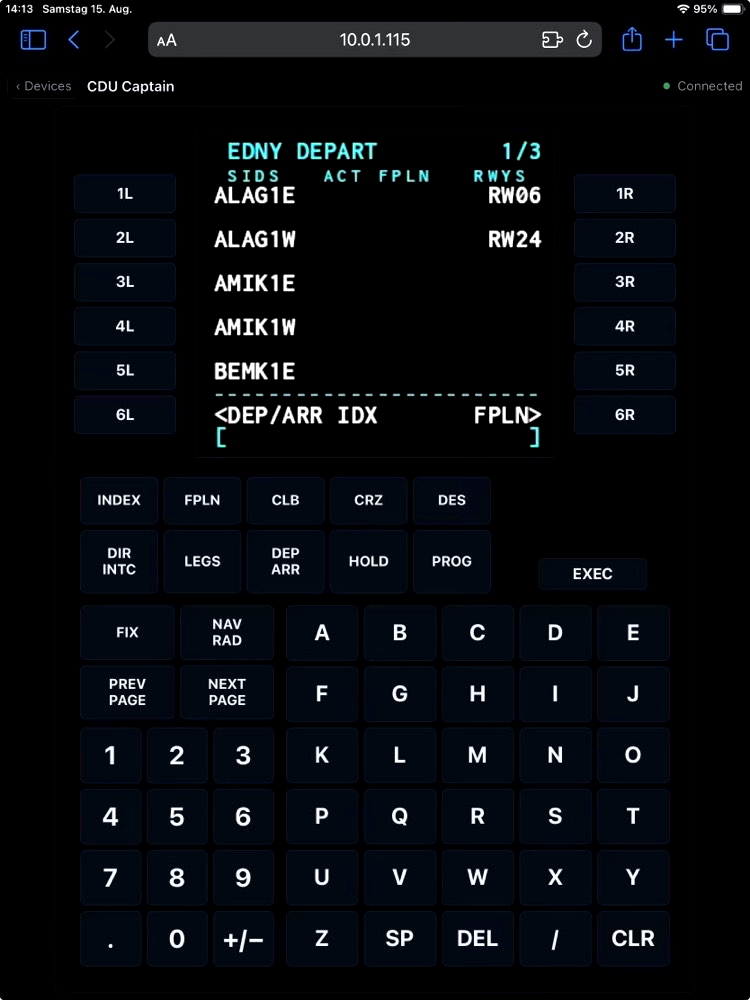
Program the ToLiss Airbus & Zibo B737 MCDU on your tablet instead of squinting at the cockpit — captain and first officer, for the whole ToLiss Airbus family. Welly's Gauge Streamer also streams X-Plane's default avionics — the GNS430/530 and the airliner CDU — to a web page. Open it on a tablet in your home network and operate every unit by click or touch instead of fiddling with the cockpit popout.
Features
- Streams GNS430, GNS530 and CDU screens to any browser on your network
- ToLiss MCDU for captain and first officer — rendered as real text, sharp at any size and next to free for the sim
- Zibo B737-800 MCDU for captain and first officer (new)
- Bezel with keys and knobs drawn by the frontend — every press reaches the unit in the sim
- Selection page shows which devices the loaded aircraft has
- One bookmarkable page per device — one tablet, one unit
- Captures only while someone is watching: with no open stream it costs no frame rate
- Reconnects automatically after an X-Plane restart or Wi-Fi dropout
Supported aircraft
Built-in GNS and CDU: every aircraft that uses X-Plane's built-in GNS430/530 and CDU devices (e.g. the default Cessna and 737, the AW139).
ToLiss Airbus family: the MCDU of the ToLiss A319, A320neo, A321/A321neo and A340-600 — both units, captain and first officer. ToLiss draws its MCDU itself, so the plugin reads the screen content from the aircraft's datarefs and the browser draws it in the MCDU's own colours. Tested with the A319.
Zibo B737: the MCDU of the Zibo Boeing B737-800X
Aircraft with their own custom FMC (most payware) are not supported yet — support for more add-ons may follow.
Requirements
- X-Plane 12
- macOS 12+ (Apple Silicon only), Windows 10/11 x64; Linux best effort
- A tablet or second device with a web browser in the same network
Installation
- Download and unzip the release.
- Copy the
xp_gauge_streamerfolder intoX-Plane 12/Resources/plugins/. - In X-Plane, open Plugins → Welly's Gauge Streamer → Stream settings — it shows the address to open on the tablet.
- On the tablet, open
http://:8080/and pick a unit.
The server has no authentication — use it on a network you trust. On Windows, allow the port when the firewall asks on first start.