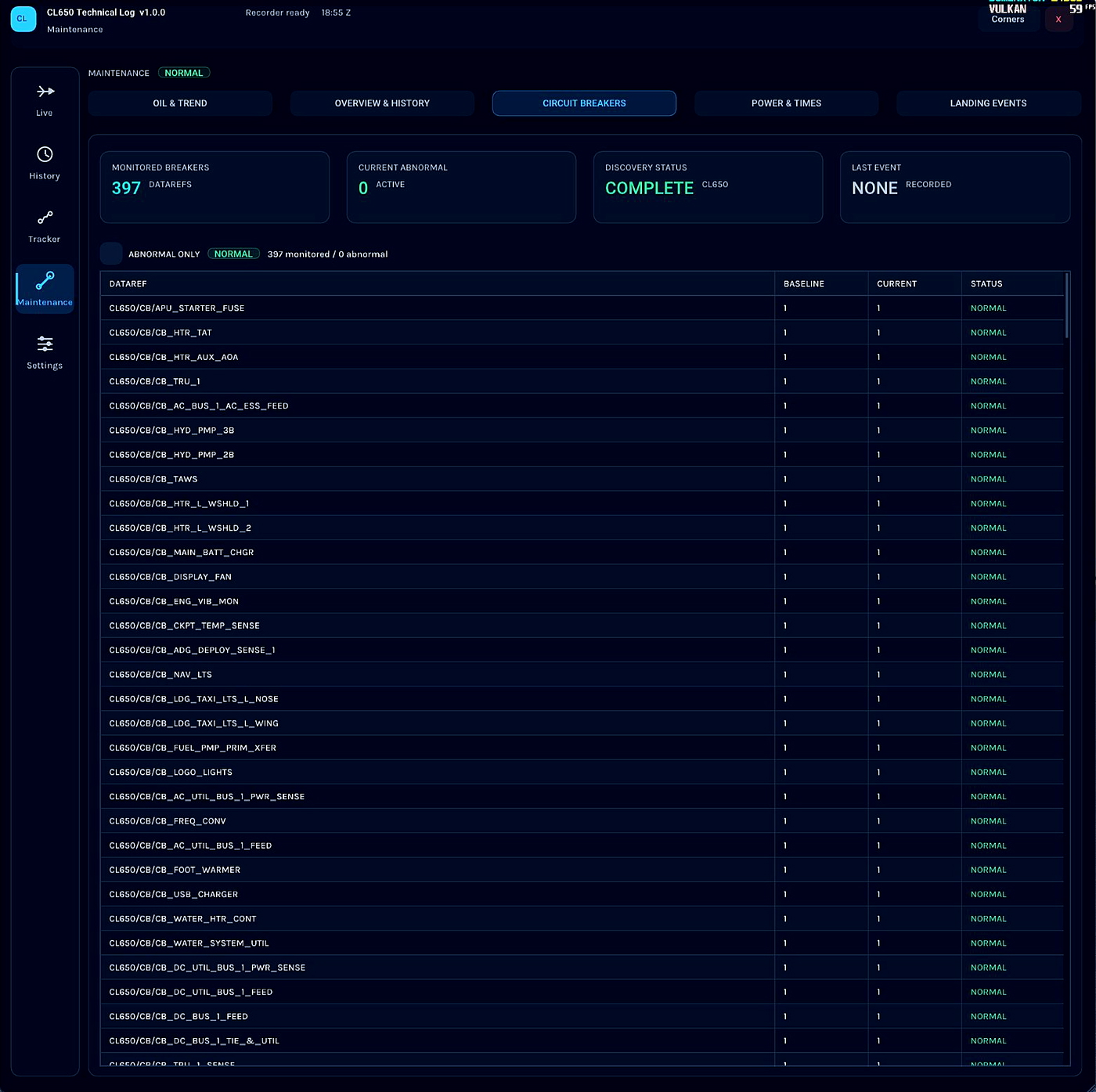
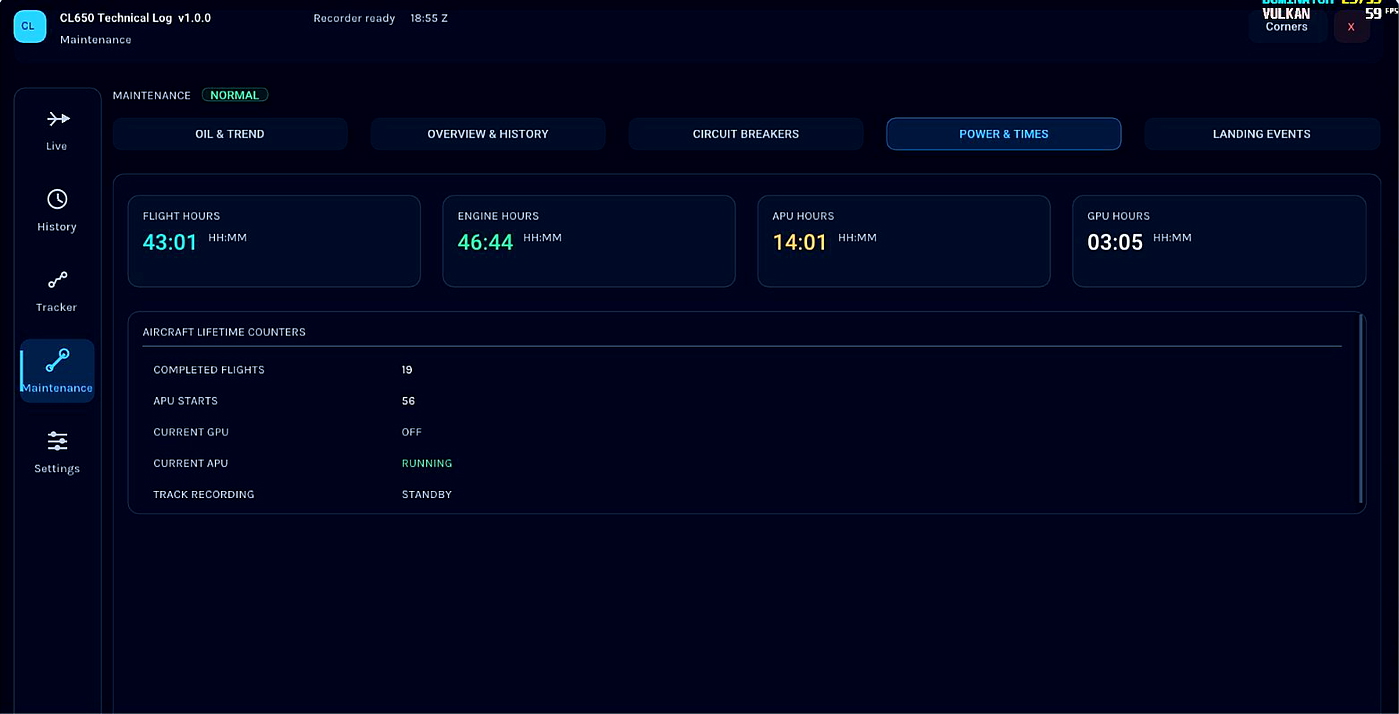
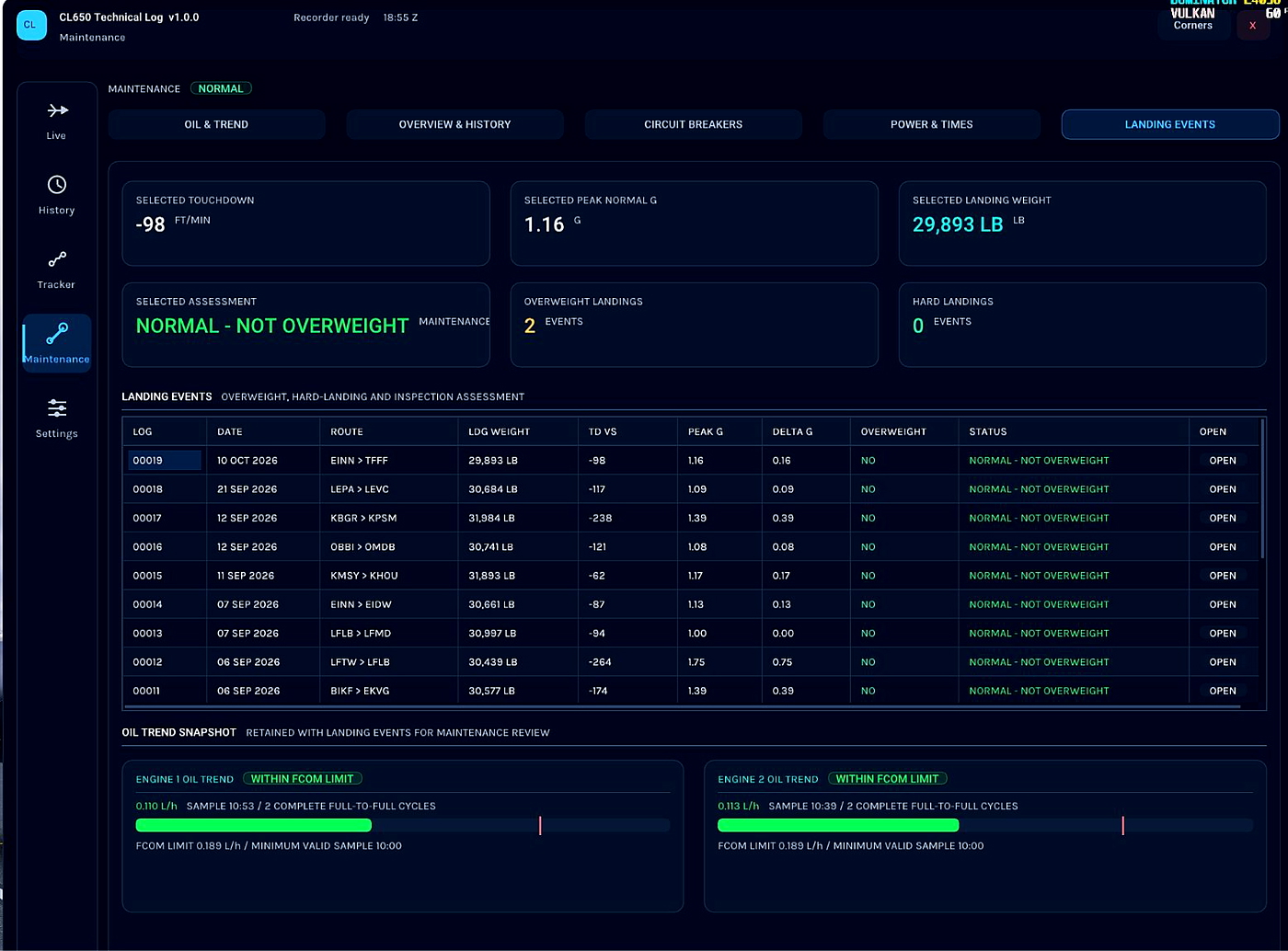
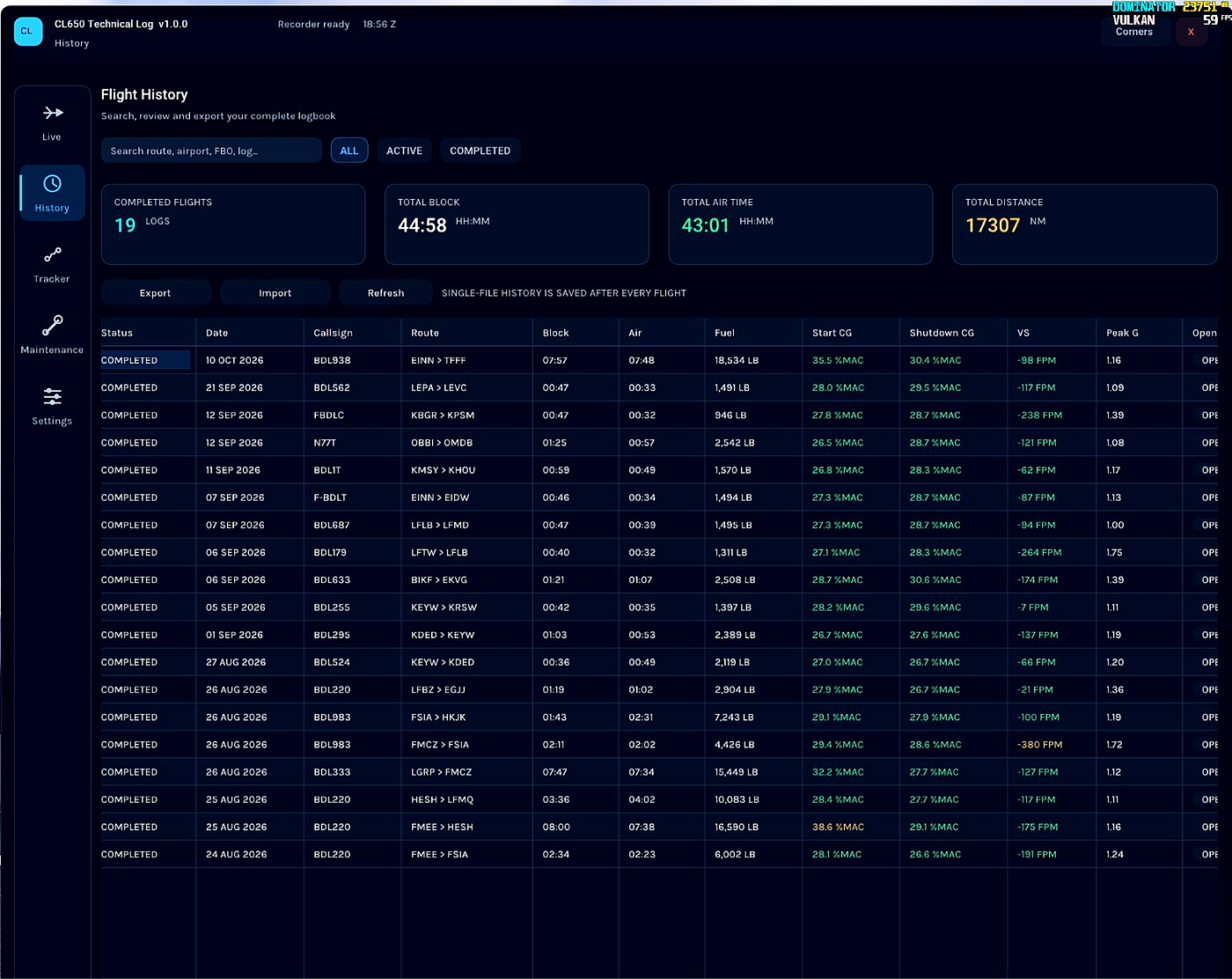
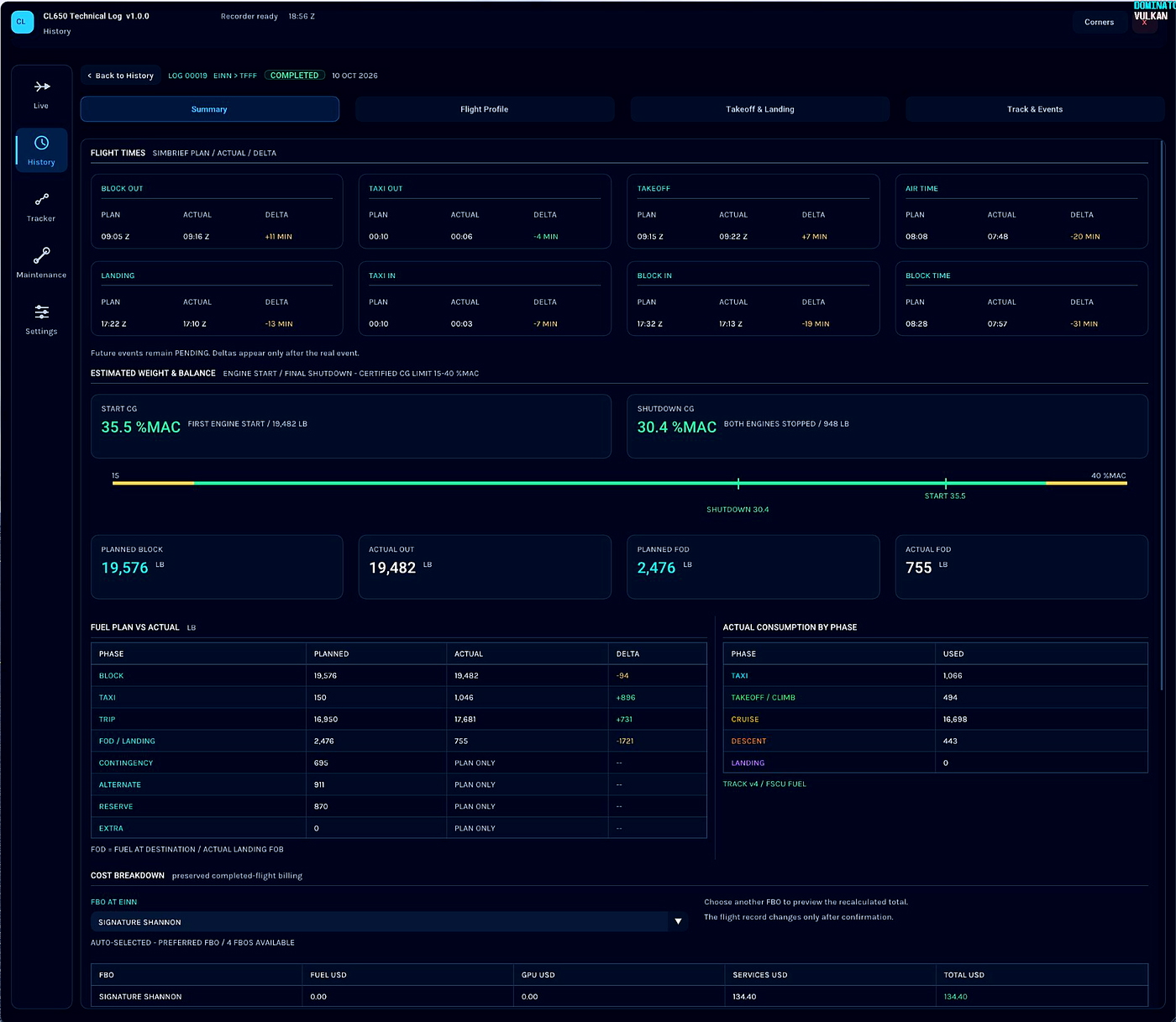
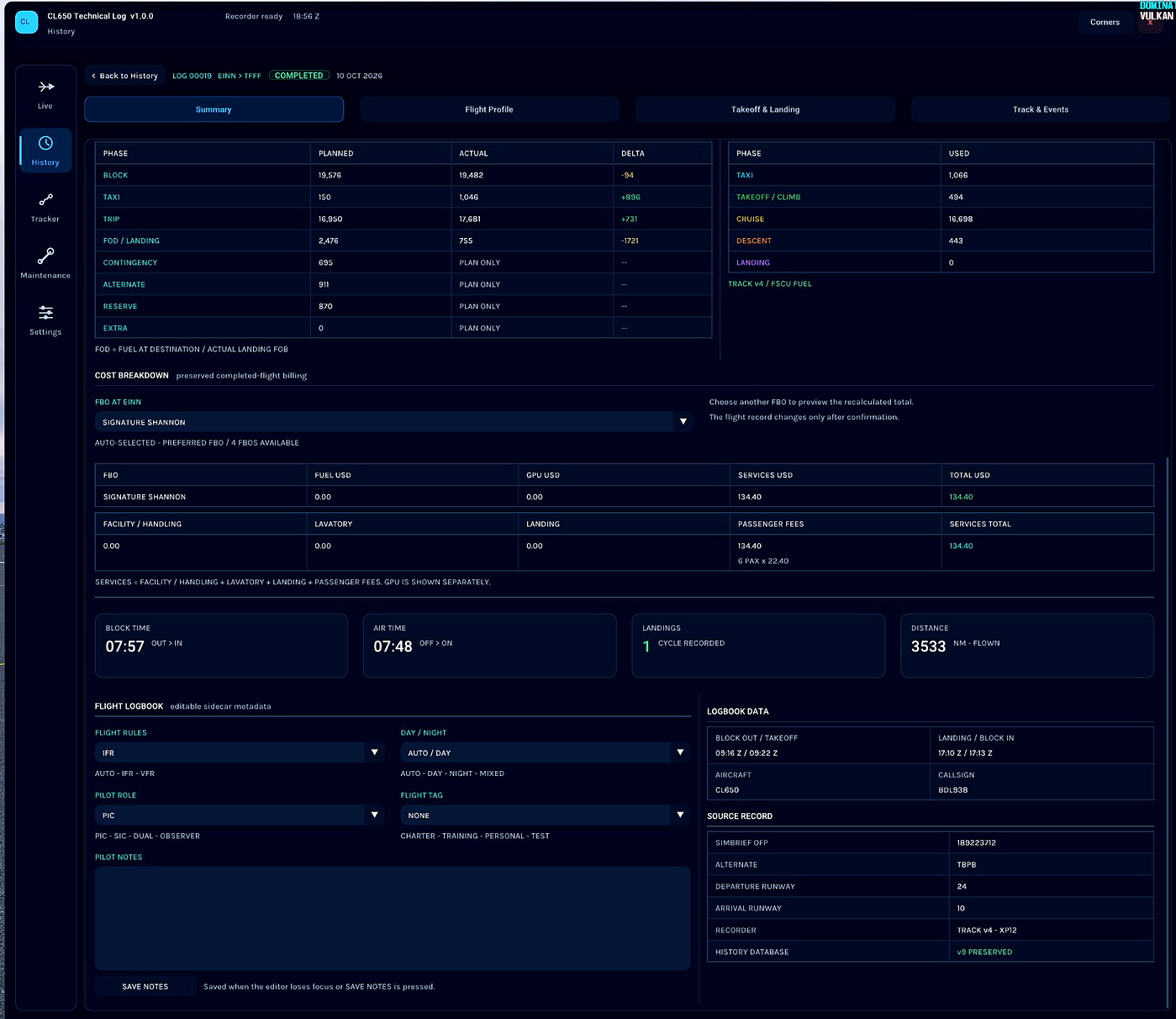
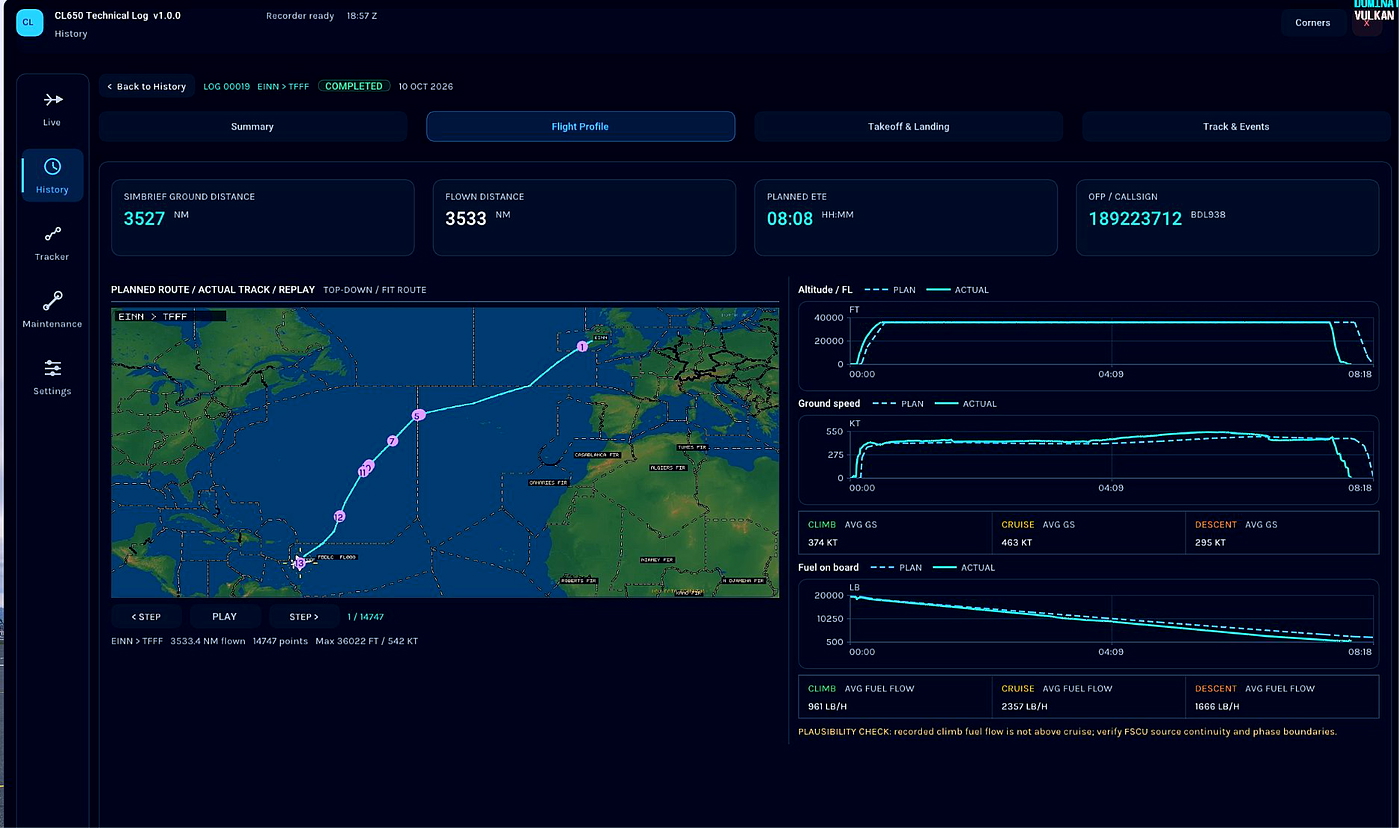
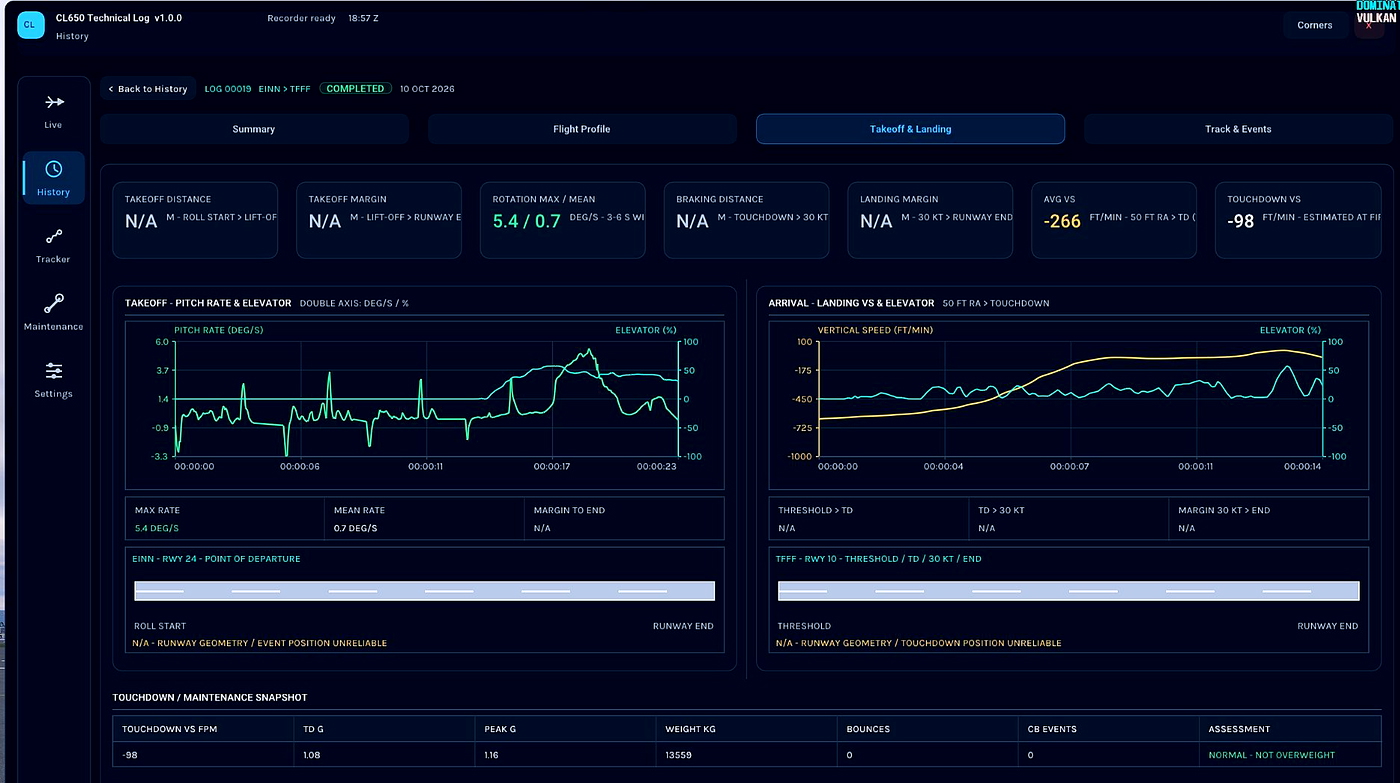
CL650 Technical Log — Flight & Maintenance Log for the Hot Start Challenger 650
Bring your flight history, maintenance information and flight tracking together in one compact, dark interface.
CL650 Technical Log is a native Windows plugin for X-Plane 12, designed exclusively for the Hot Start Challenger 650. All features, including Flight Tracker, activate only when this aircraft is loaded.
Main features
-
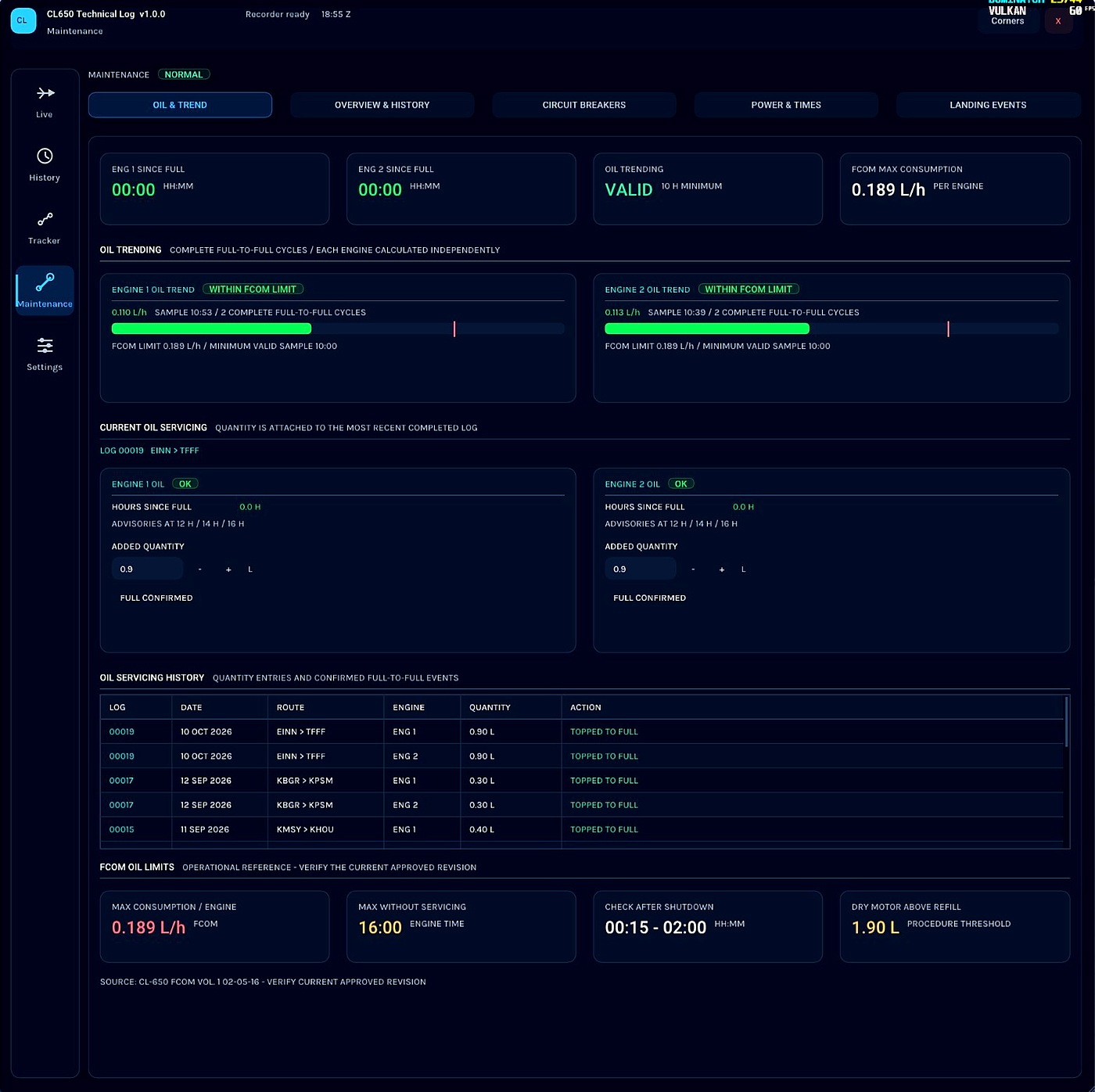
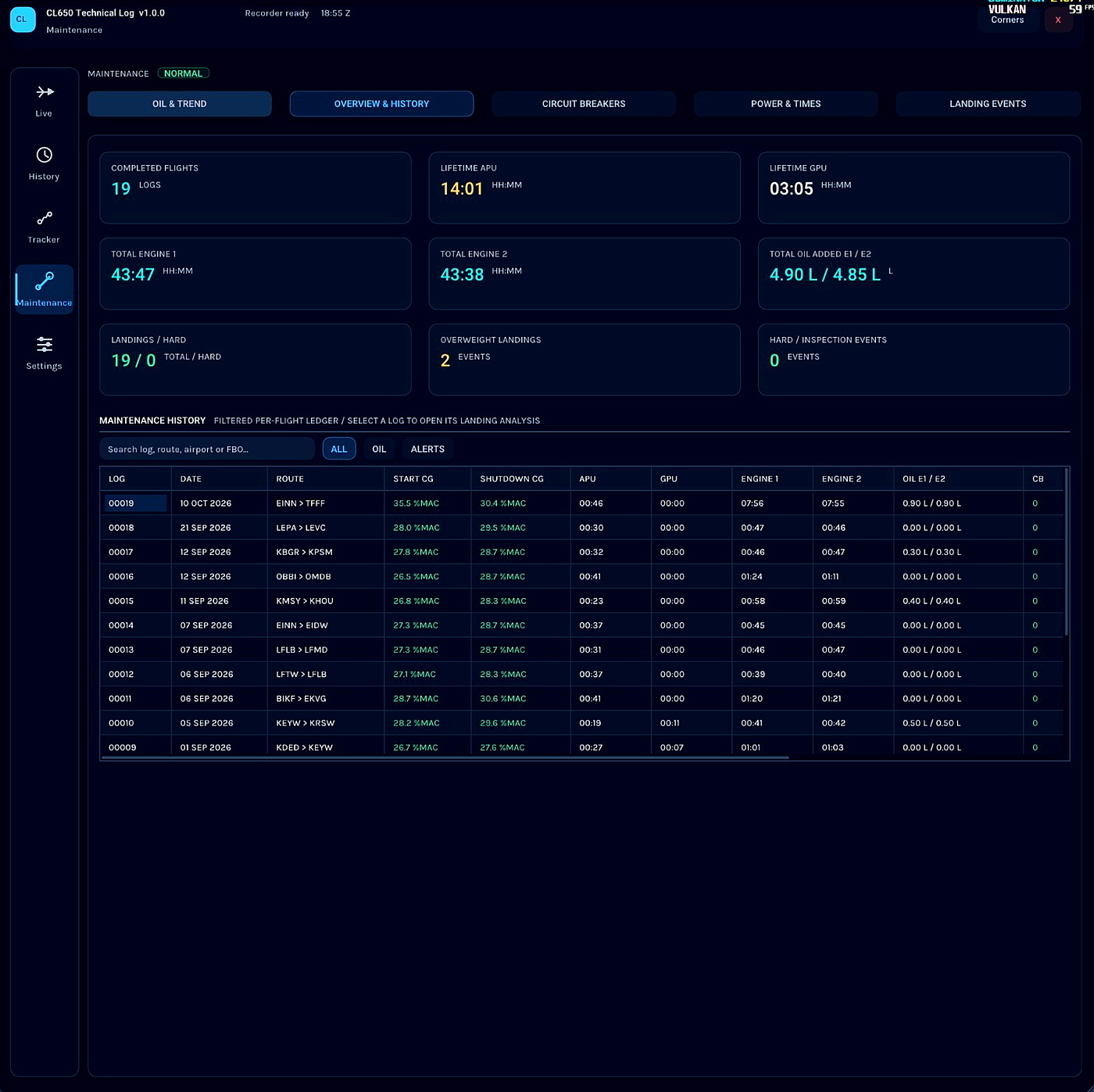
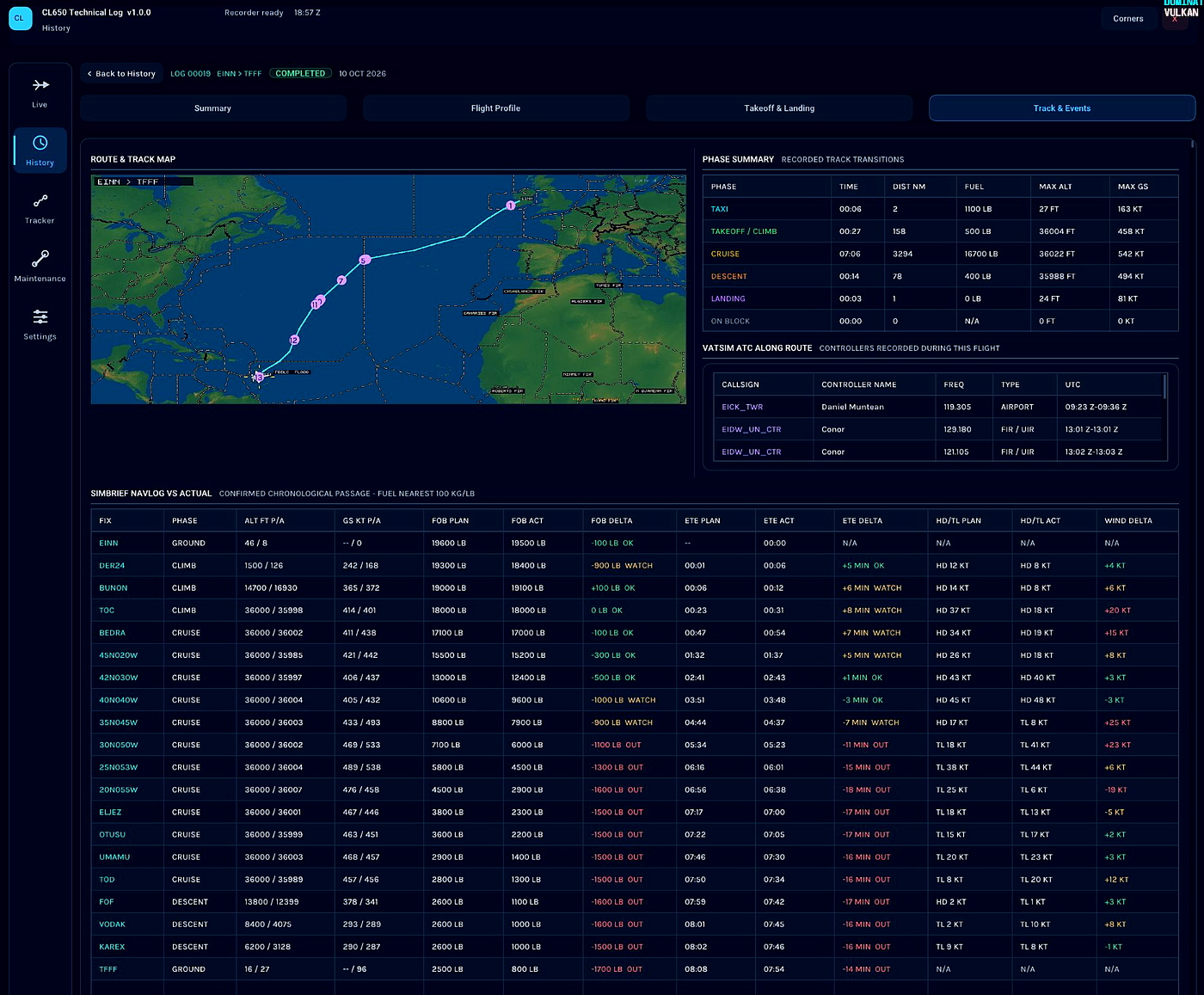
Flight and maintenance logs: keep a persistent record of your operations, with consolidated flight history and interrupted-flight recovery.
-
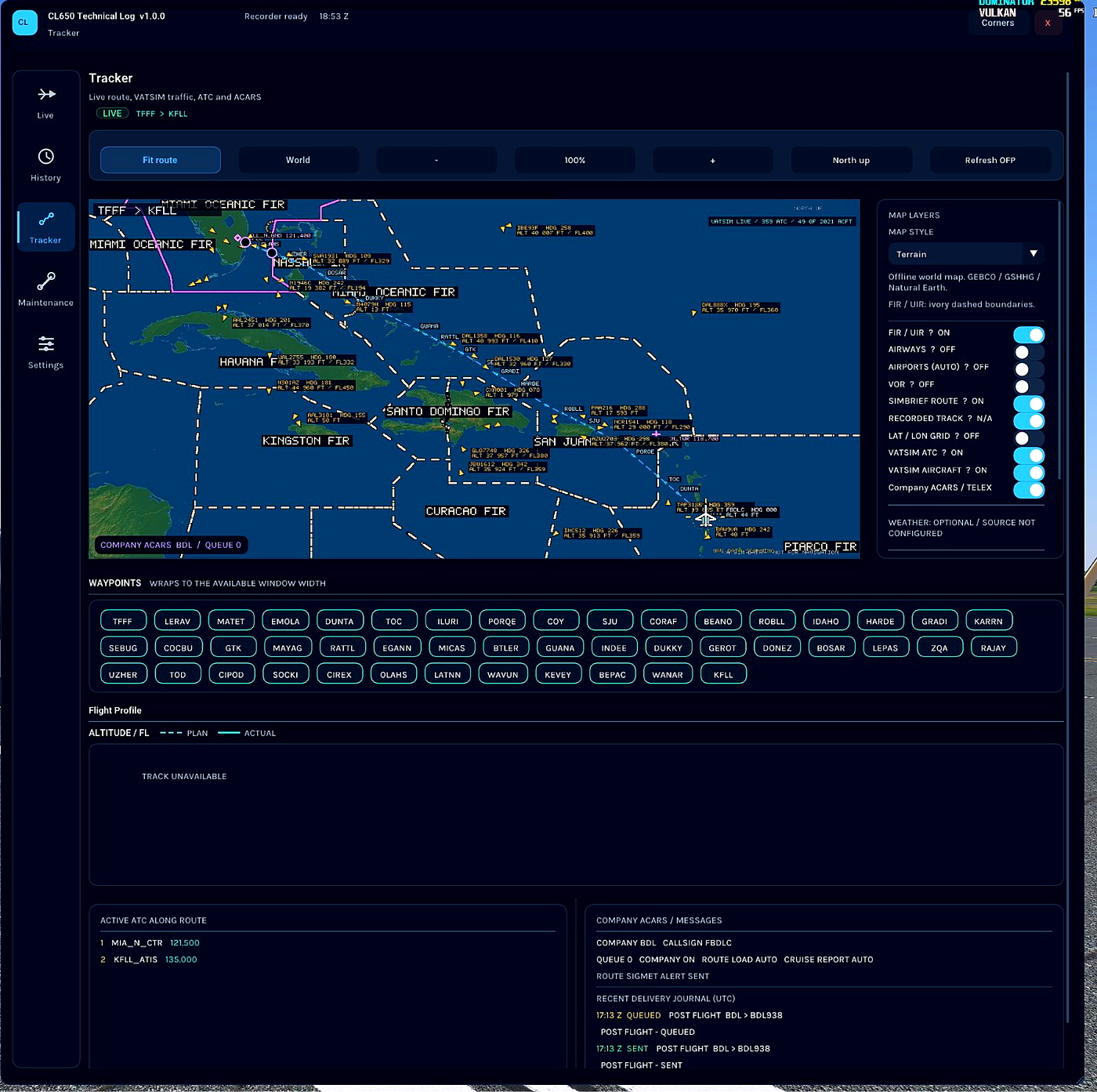
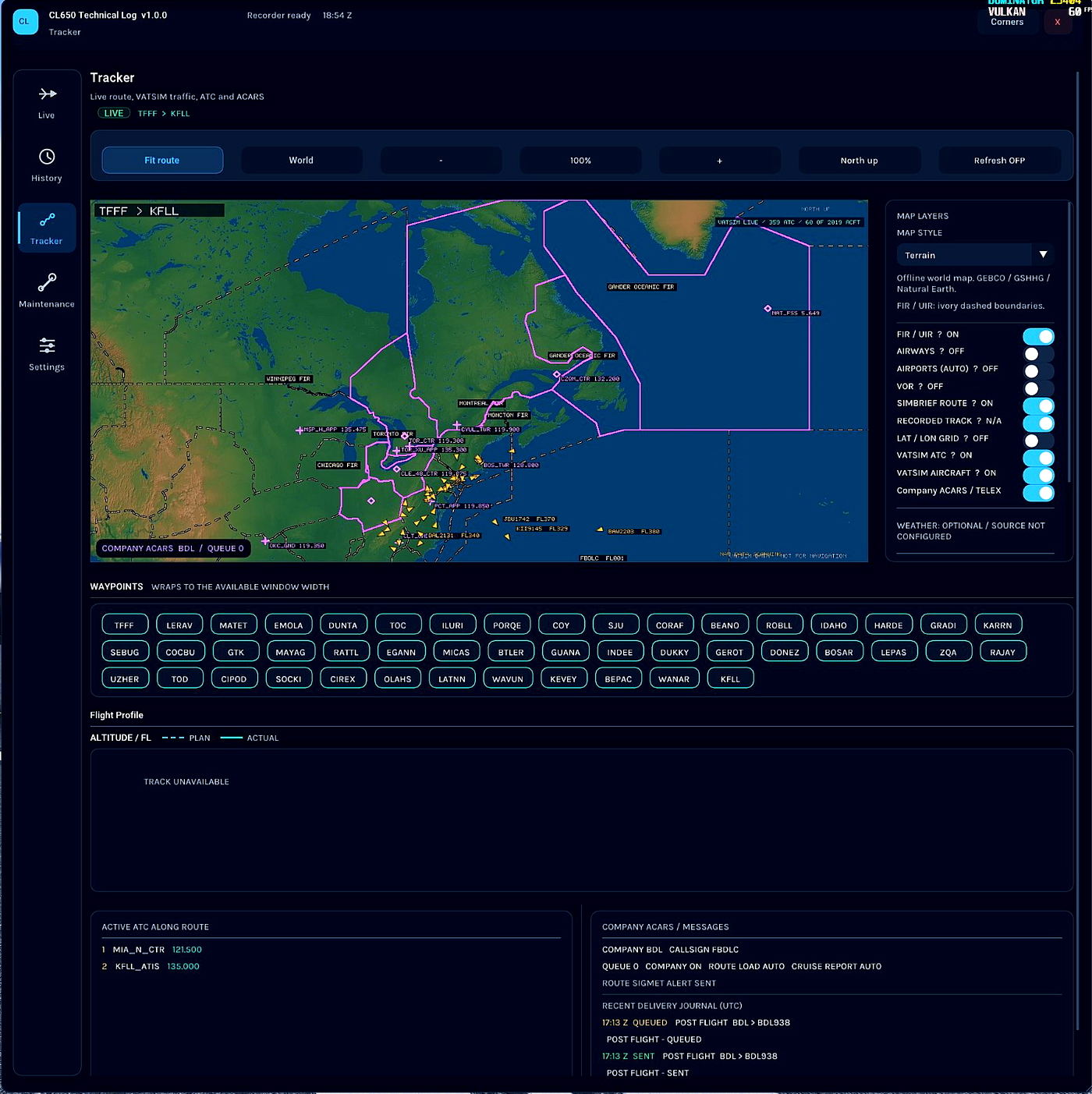
Live Flight Tracker: display your planned route, recorded flight path and aircraft position.
-
Offline 64K world map: explore a 65,536 × 32,768 basemap built from Natural Earth, GSHHG and GEBCO data. Choose between Flat and Terrain styles directly in Tracker or Settings.
-
SimBrief integration: use your flight-planning information within the plugin.
-
Company TELEX: send and receive company messages through Hoppie ACARS.
-
Optional VATSIM overlays: display online traffic and ATC coverage alongside your flight.
-
Weight and balance: CG calculations use a fuel-arm curve calibrated from measured Challenger 650 simulator data.
-
Fuel and FBO price references: consult offline fuel and airport/FBO service-price data, with editable personal overrides.
-
Performance diagnostics: enable the optional logger in Settings to investigate performance issues. Logging is disabled by default.
Map tiles load in the background, with a bounded texture cache. The basemap works offline; online integrations require an internet connection and the relevant configuration.
Requirements
-
X-Plane 12
-
Windows 64-bit
-
Hot Start Challenger 650
Installation
-
Close X-Plane 12.
-
Extract the main download.
-
Copy the complete CL650_Technical_Log folder into X-Plane 12/Resources/plugins/.
-
Keep the included 64, data/maps and docs folders together.
-
Load the Hot Start Challenger 650.
When updating, preserve your personal history, settings and backups in X-Plane 12/Output/CL650_Technical_Log/.
The separate MAP_SOURCES download contains geographic source data and map-generation tools. It is not required to run the plugin and should not be installed in the plugins folder.
For flight simulation use only. This project is not affiliated with or endorsed by Hot Start or Laminar Research.
Support development
If you enjoy this plugin and would like to support its development, you can make a voluntary donation:
Thank you for your support!