Rydnemalms ReShade preset with iMMERSE ultimate - X-Plane 12

The Rydnemalms ReShade preset is designed for X-Plane 12, specifically tailored to enhance the visual realism of the simulator when used in conjunction with iMMERSE ultimate. This preset improves shadows, lighting, and colors, aiming for a more natural appearance across various times of day. Optional tweaks using RayleighFX - V2 are recommended for optimal performance, though it may work with default settings or other mods. Installation involves placing the ReShadePreset.ini file in the main X-Plane directory following iMMERSE ultimate setup.

0.0 / 5
43 downloads
Screenshot 1

Description

Rydnemalms ReShade preset with iMMERSE ultimate - X-Plane 12

WARNING: THIS PRESET WILL ONLY WORK WITH iMMERSE ultimate. 

OPTIONAL: I did all the tweaks with RayleighFX - V2 so I recommend installing that, but i think it will work as good with stock sim and/or with other sky/lighting mods.

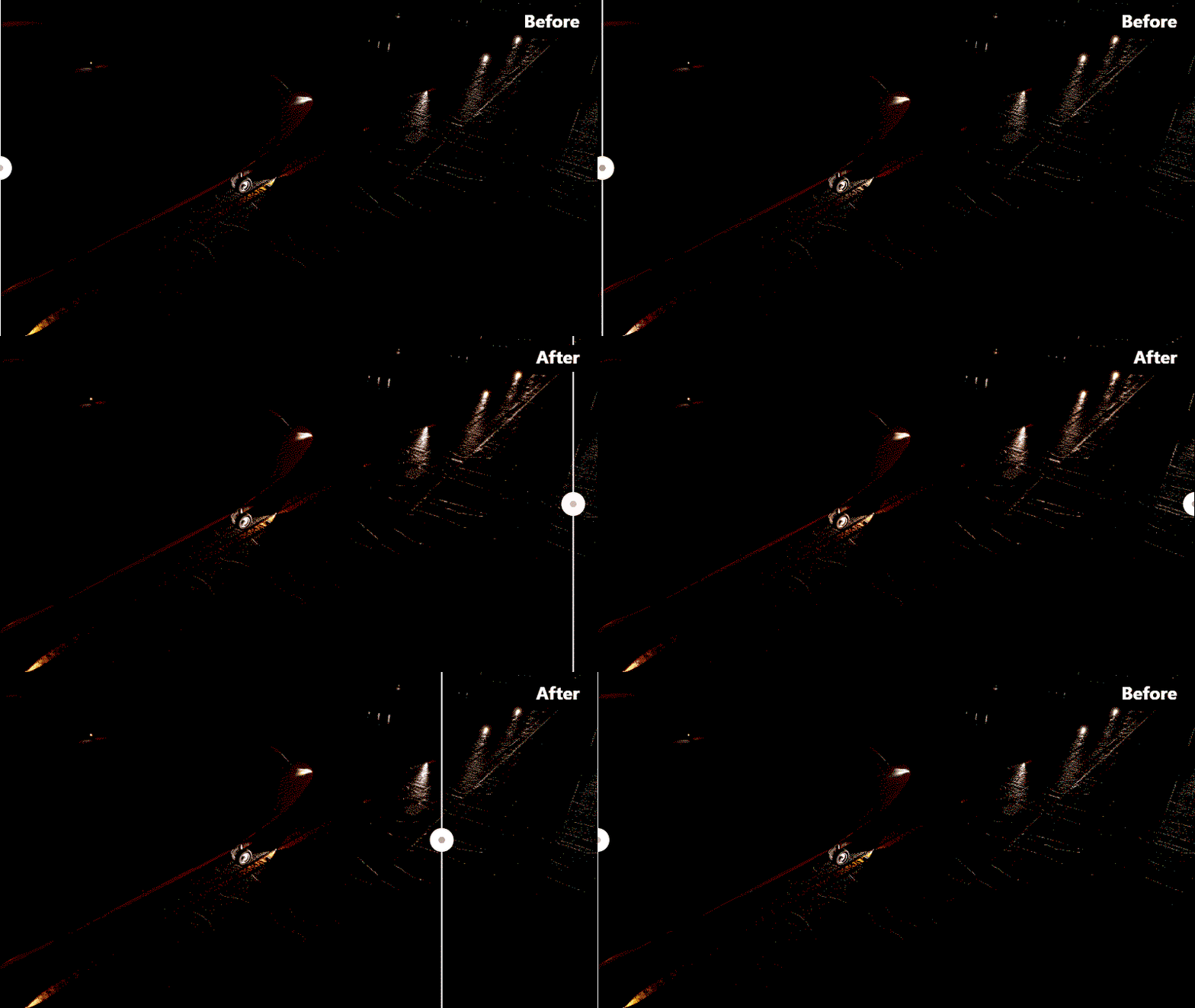
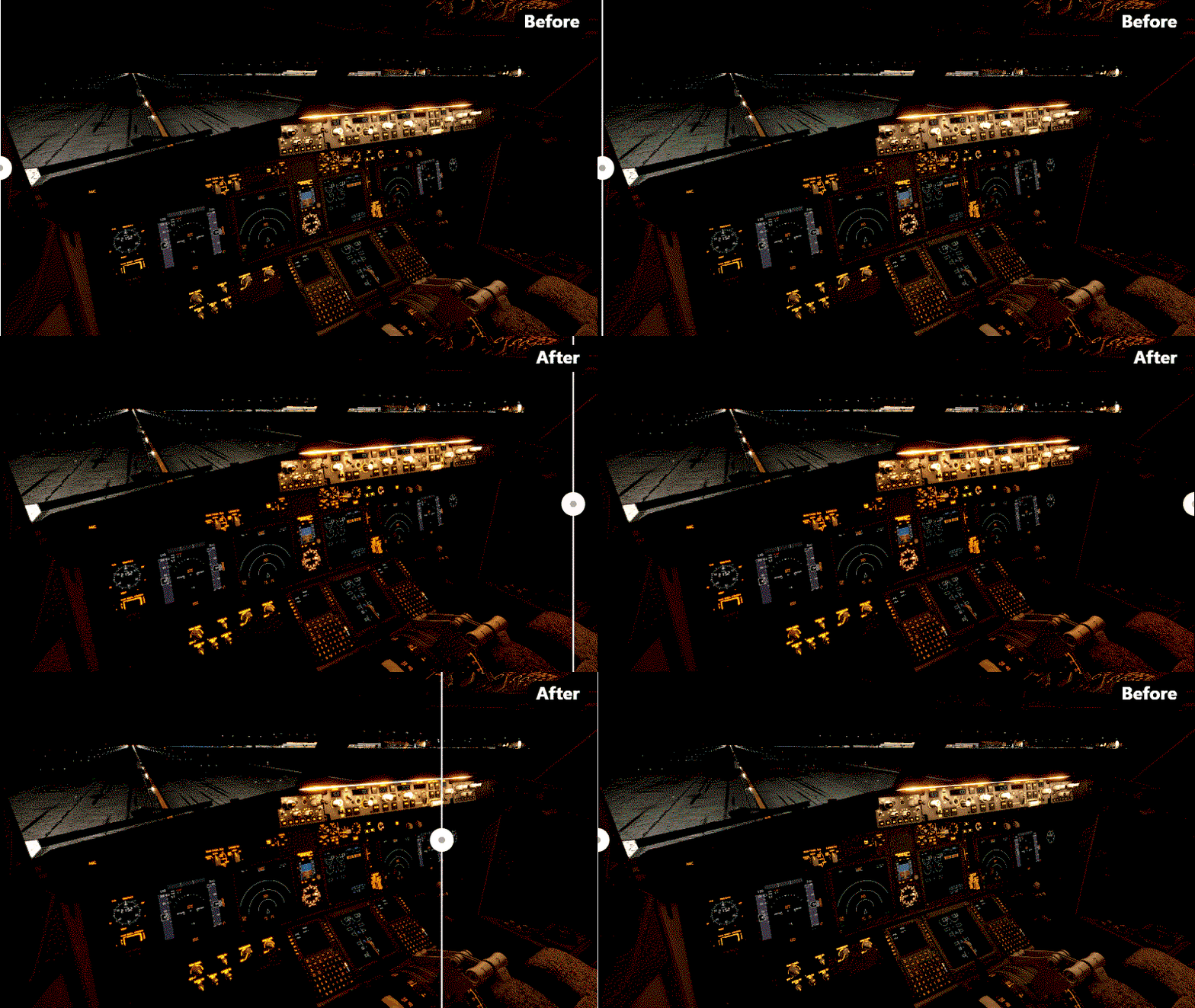
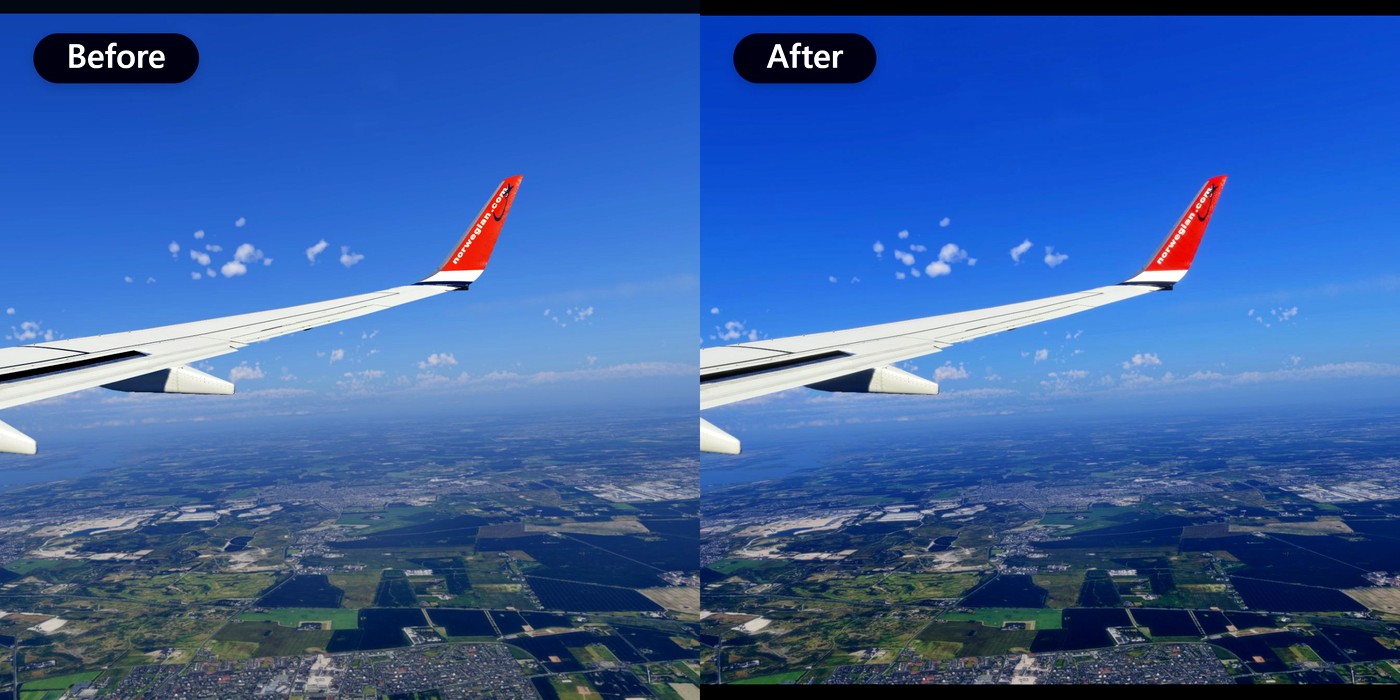
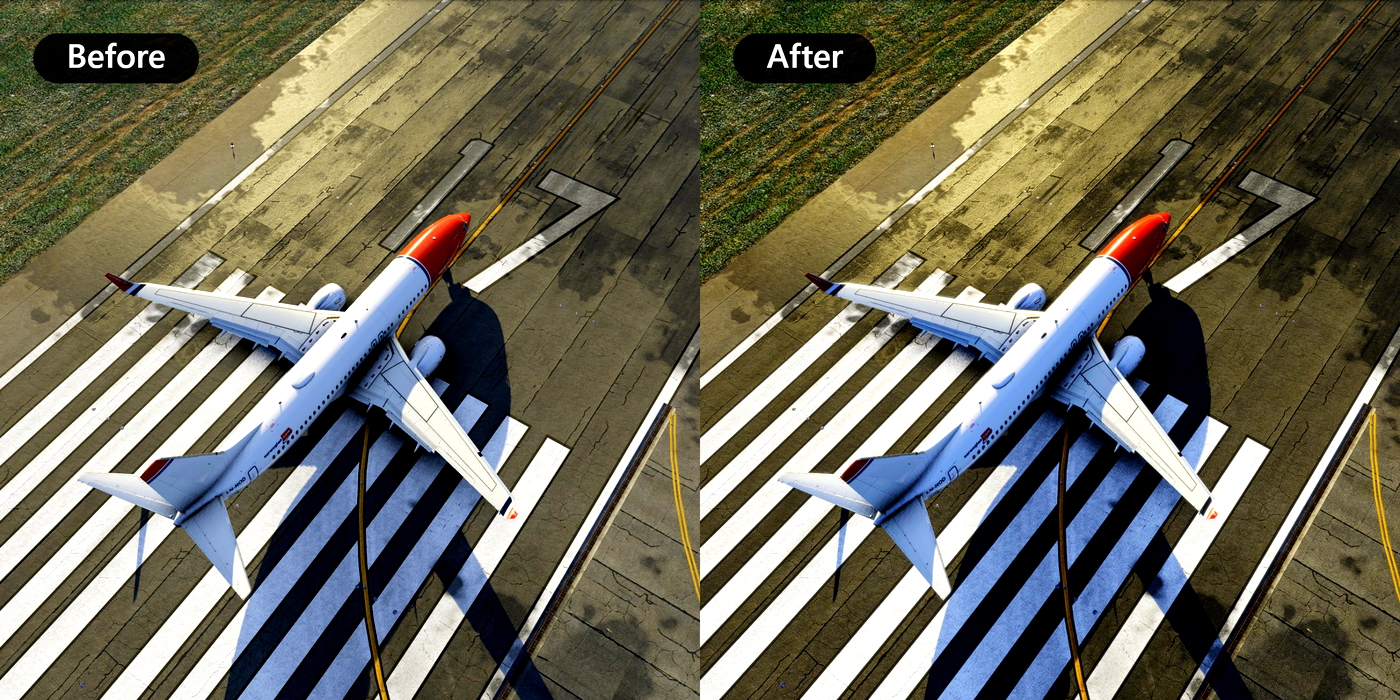
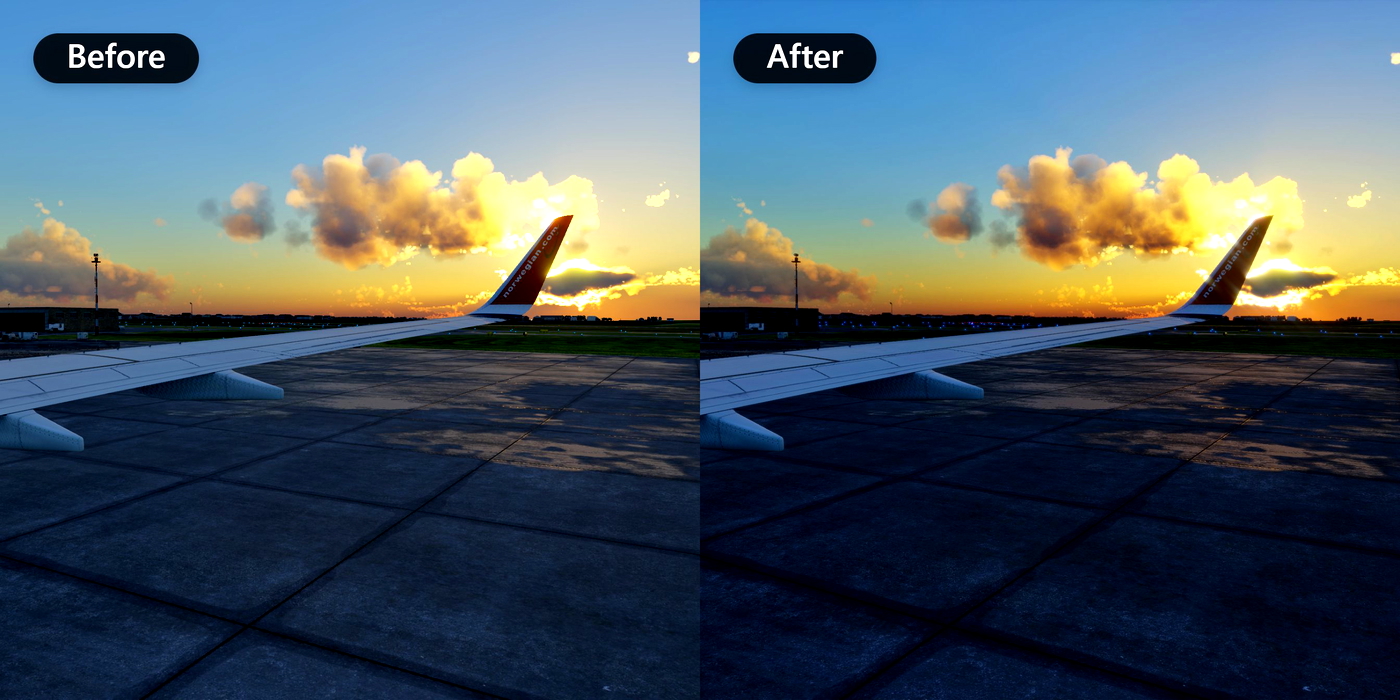
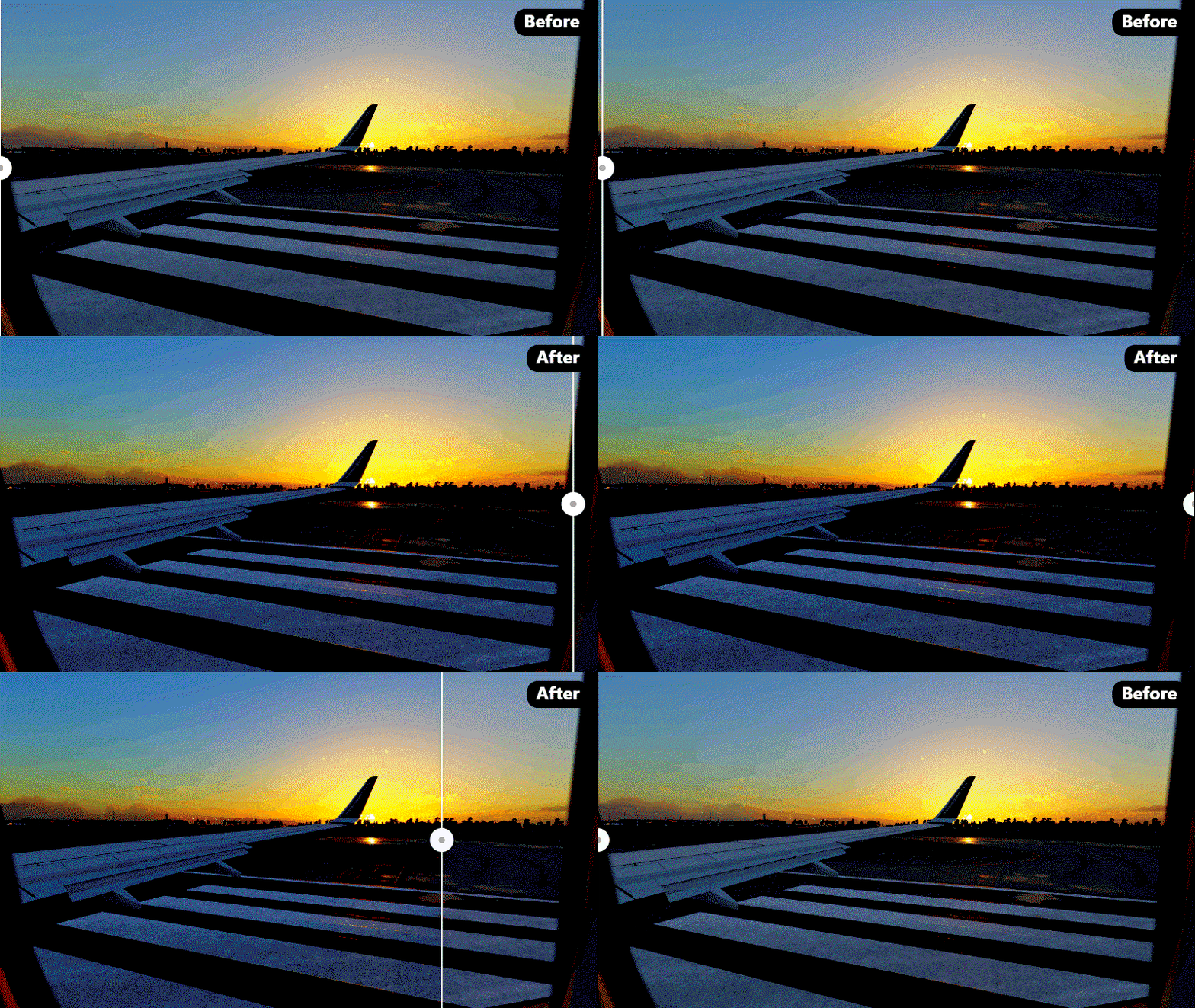
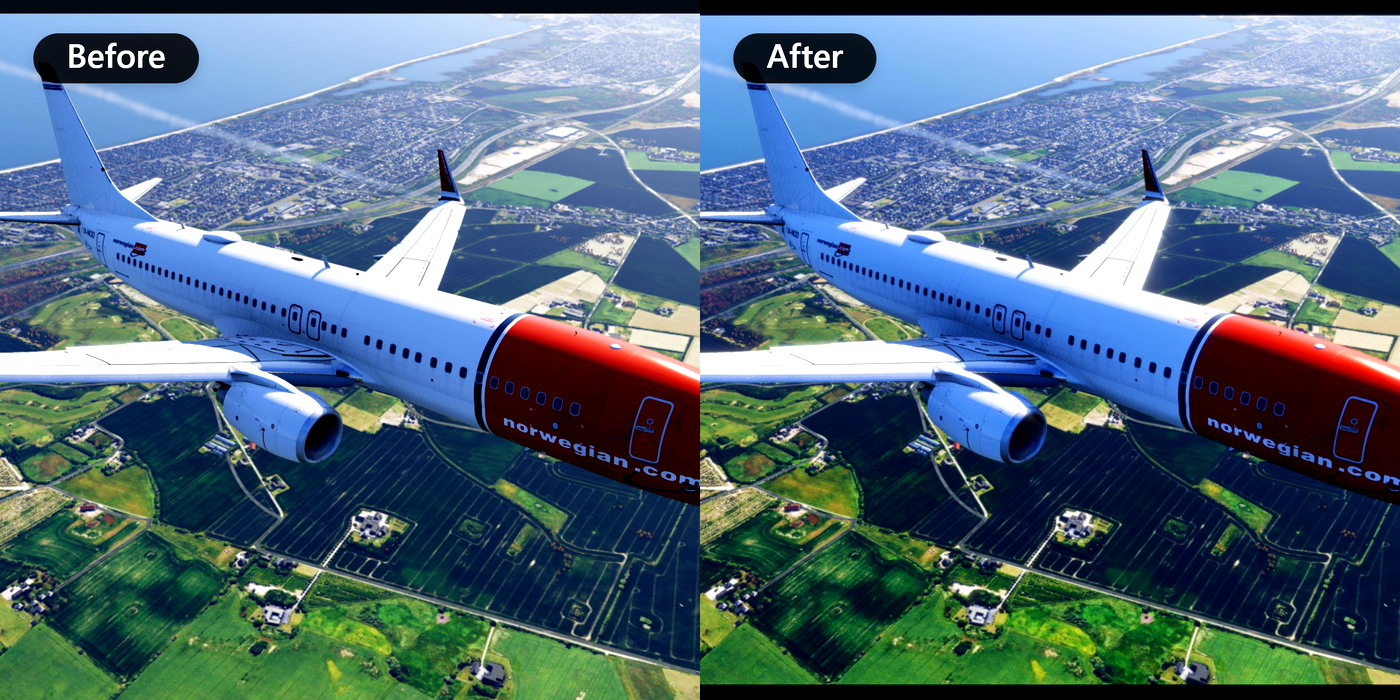
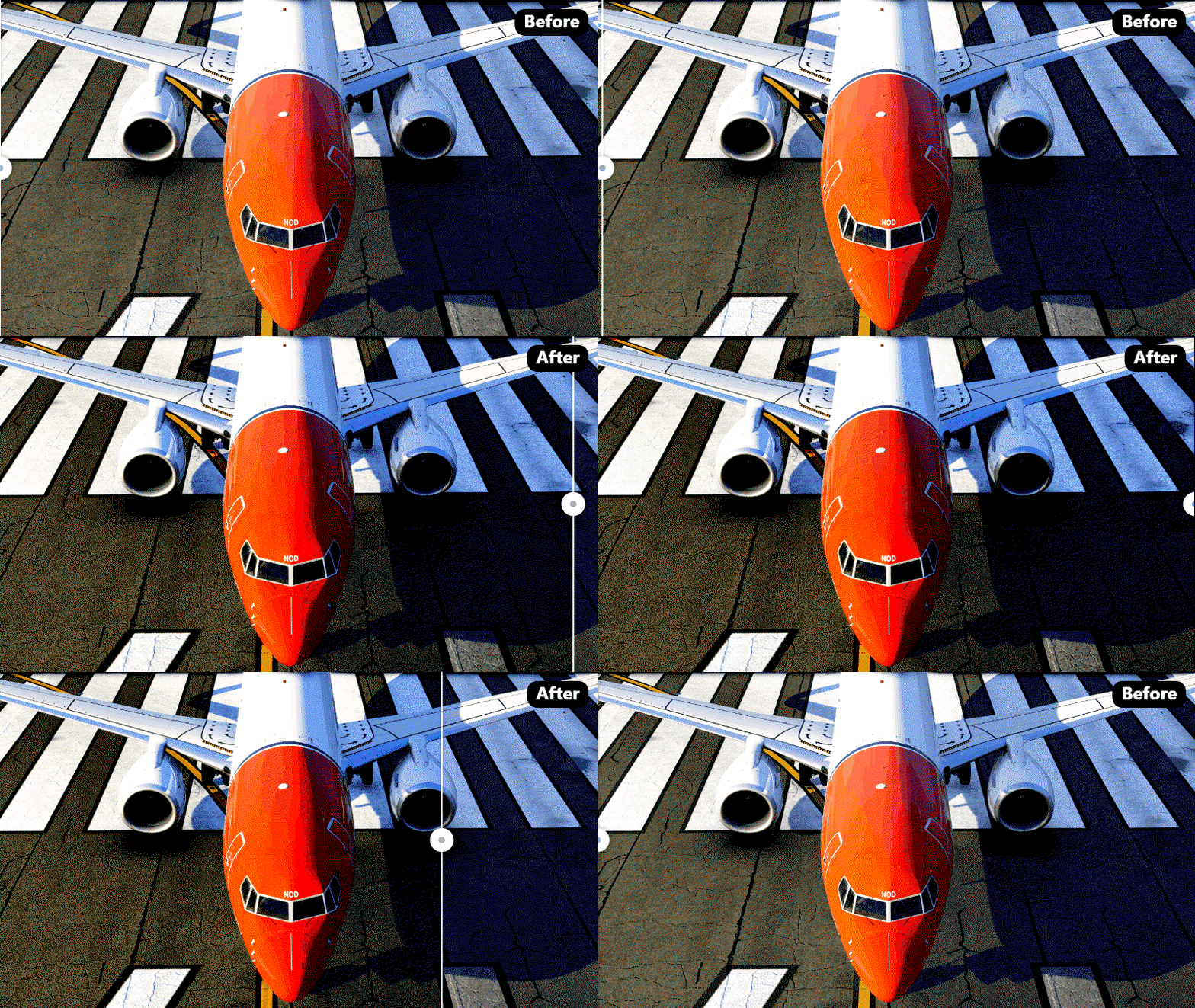
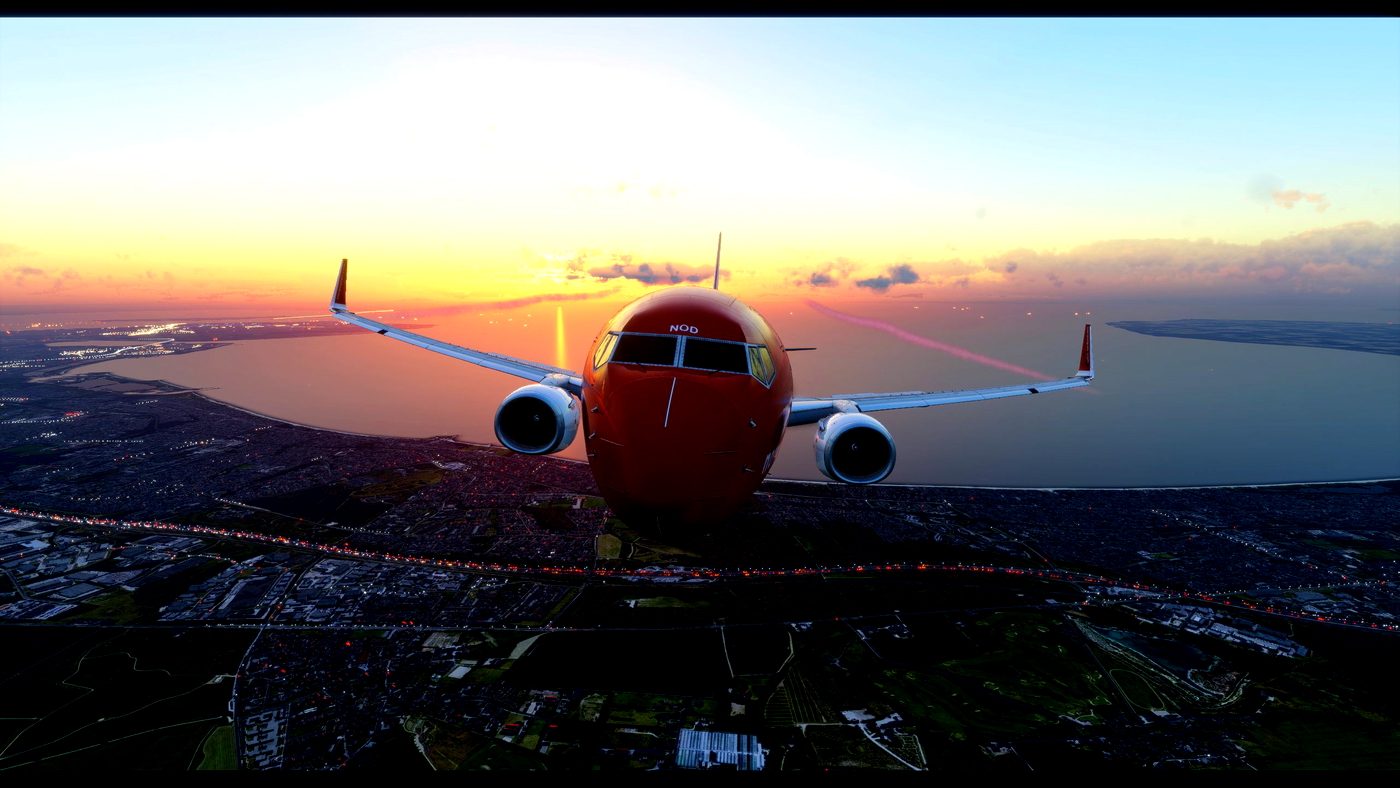
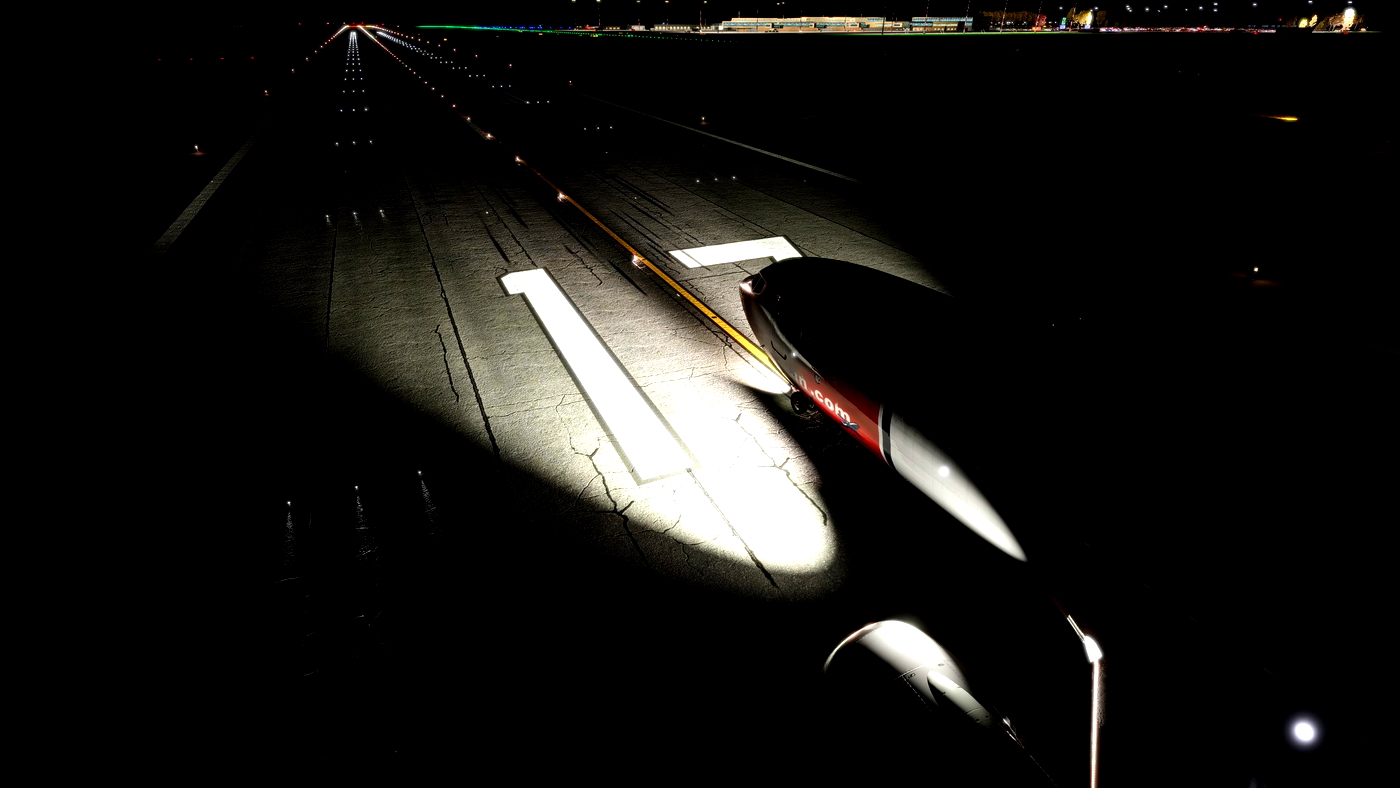
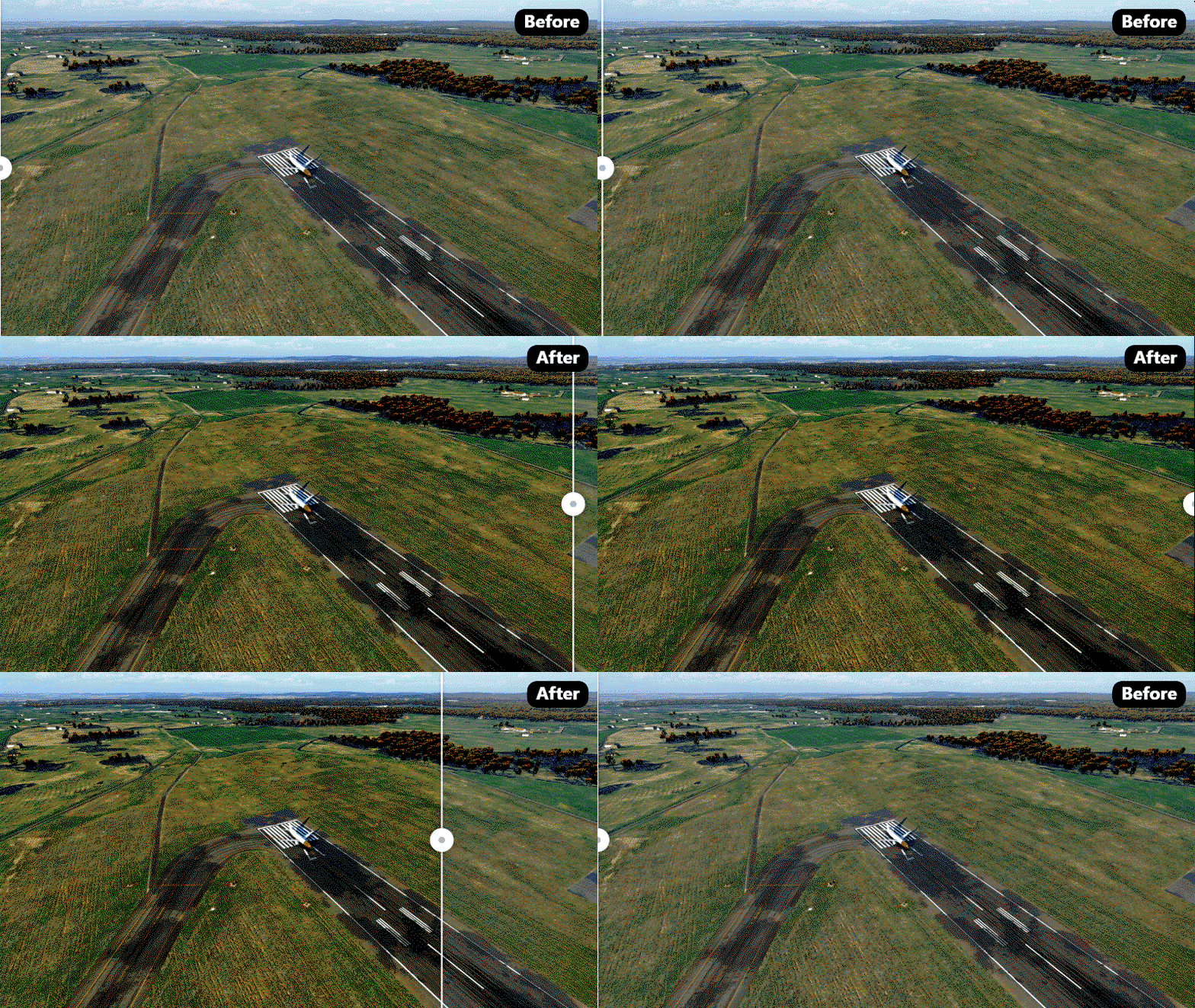
ABOUT: This preset is made to make your X-plane 12 simulator look more natural and realistic in all scenarios of a day. I've enhanced shadows, lighting and colors to look more like real life. I would love feedback so feel free to say anything! :D  I've added a few Before and After pictures and a few that's just with the preset on. You will see a bigger difference in the sim than here on the pics. 

INSTALLATION GUIDE: After installing iMMERSE ultimate just put the ReShadePreset.ini file into your main x-plane directory, and replace the old one. Dont forget to bind a on/off button for the effects in reshade to see the difference. 

Changelog

No changelogs available.

Comments

Add Your Review

Download

Version: 1.0
Size: 6.32 KB
Uploaded: 16. Oct 2026

Author

rydnemalm

Joined Mar 2021

Contributors

No contributors listed.

Requirements

  • • X-Plane 12 or later

Information

Release Date 16. Oct 2026
Downloads 43
Rating No ratings yet